1
Download the App
Get the Trade Time Business app from the App Store or Google Play to get started.


 TRADE TIME
Follow these simple steps to get set up,
browse vetted painters, and request help
for your next job.

Get the Trade Time Business app from the App Store or Google Play to get started.
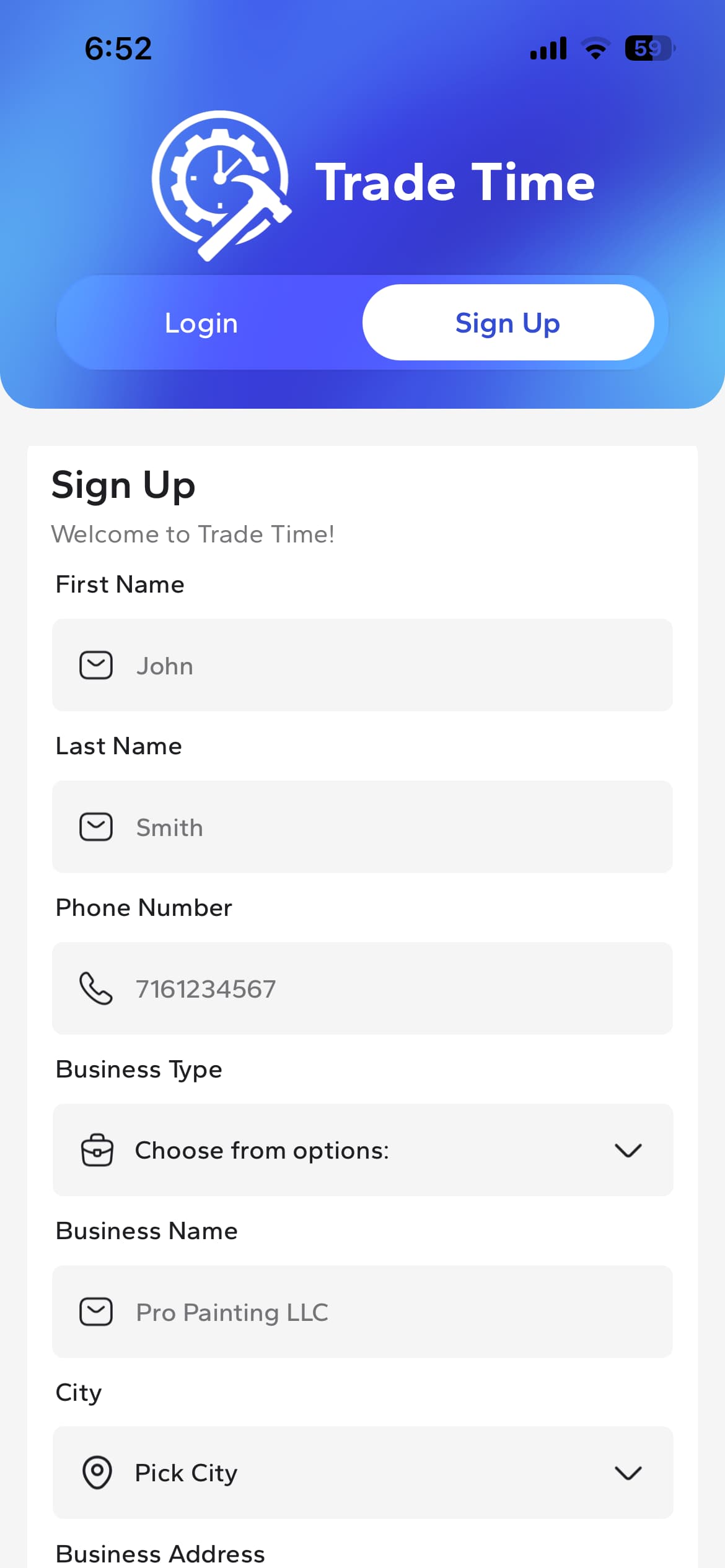
Create your business account to get started with Trade Time.
Open the app and navigate to sign up page. Use your business email to sign up.
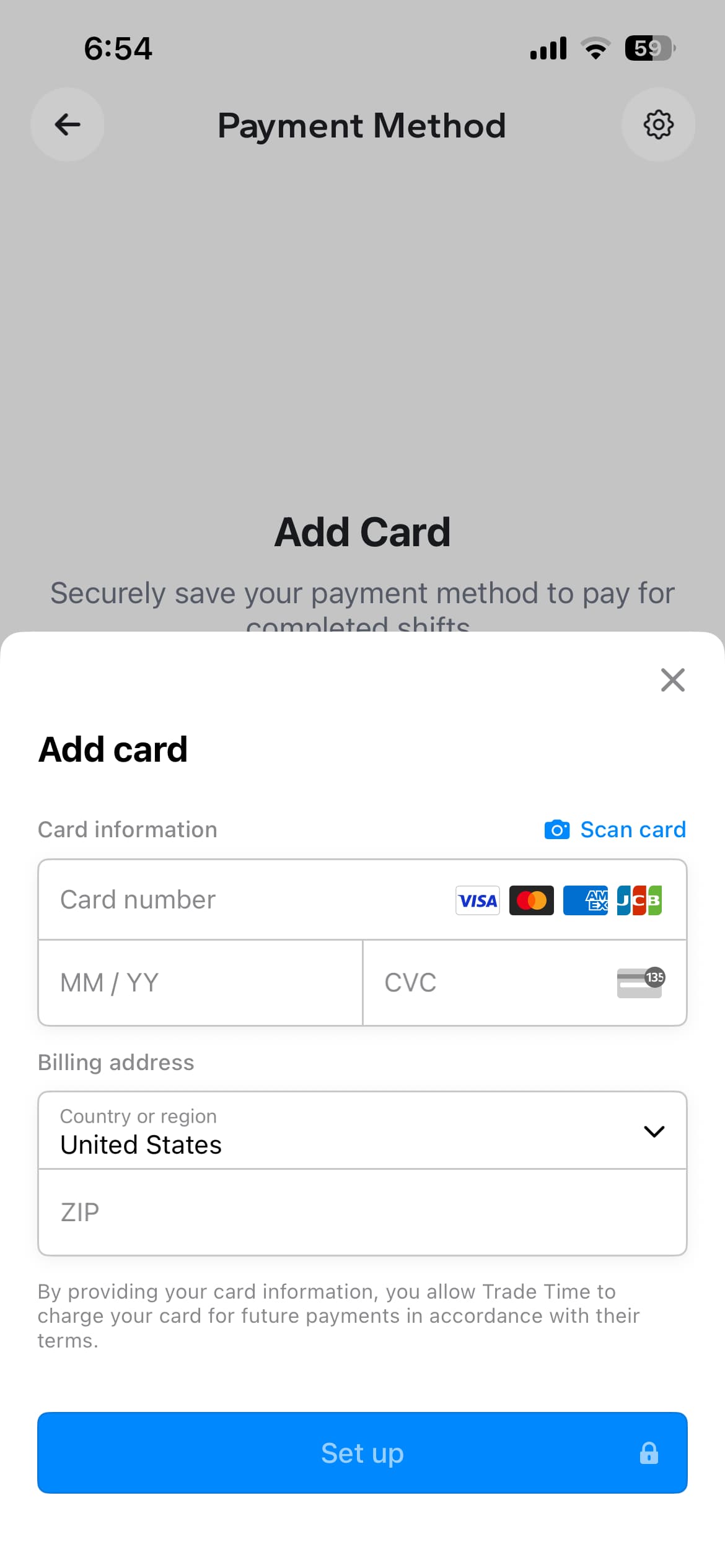
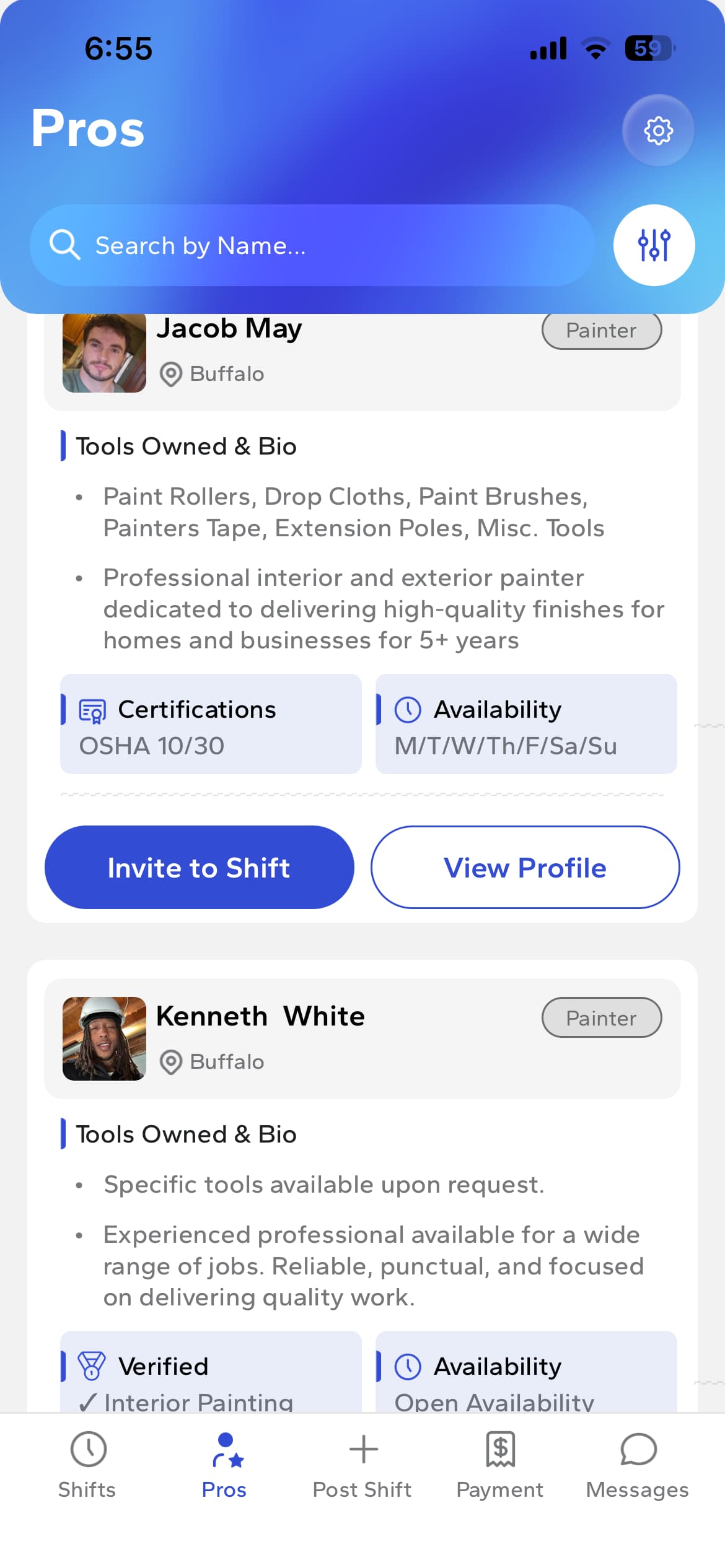
Tap the gear icon at the top of any screen to go to Settings and add your payment method.
You'll only be charged after completed shifts.
Tap the Pros icon on the bottom menu bar. Browse vetted painters, view profiles, skills, availability, and past work experience.
All painters are background checked and skill assessed.
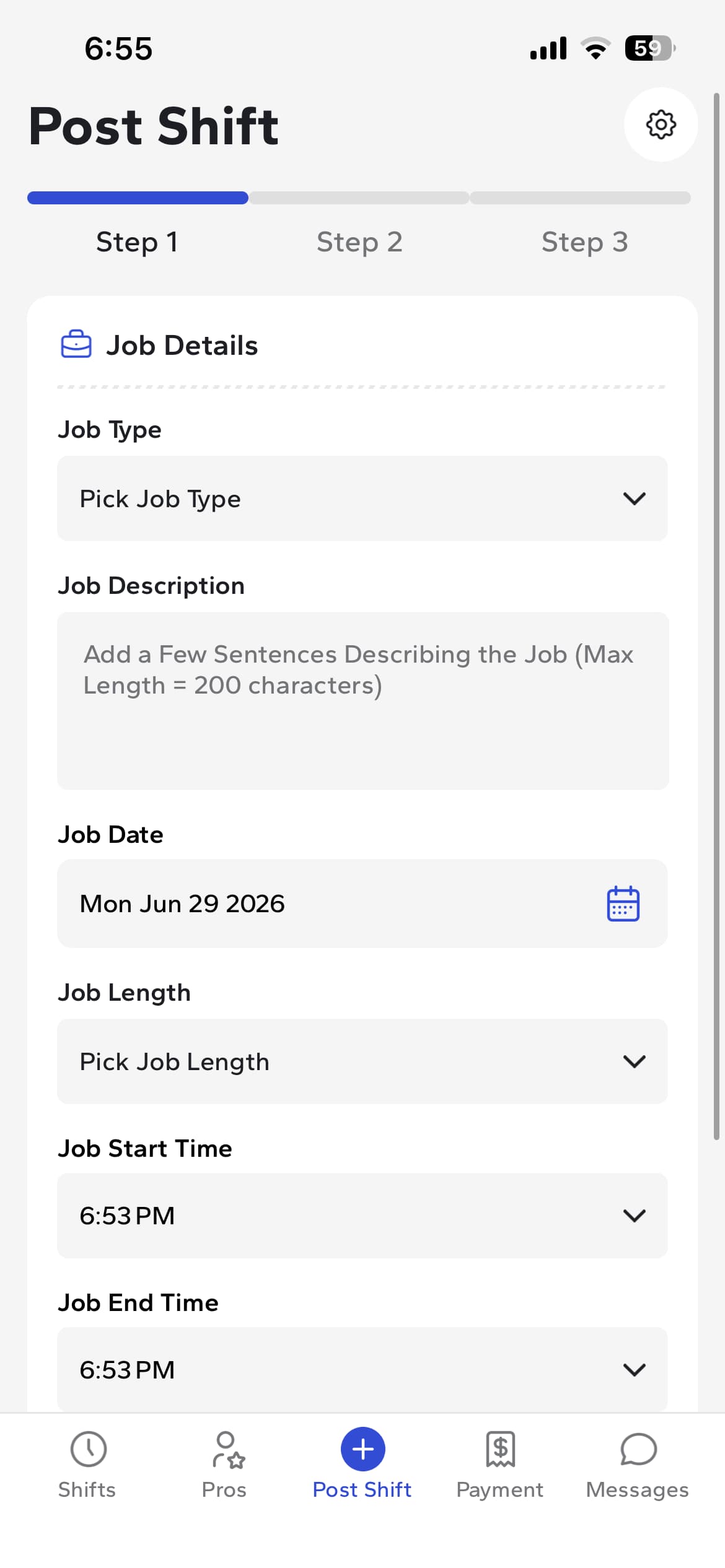
Tap the Post Shift icon on the bottom menu bar. Post a shift with your job details and we'll find you the right painter fast.
Set the date, time, pay, and project details.